IYU Labs / Design / 05
Movement you can follow.
An arrival draws attention to a new view. A disclosure shows where content came from. The website keeps essential content visible and follows your reduced-motion preference.
A reveal you control
The same before/after component used for the Tyken rebuild. Both captures share a 1440 by 1000 frame, so moving the divider never stretches either image.
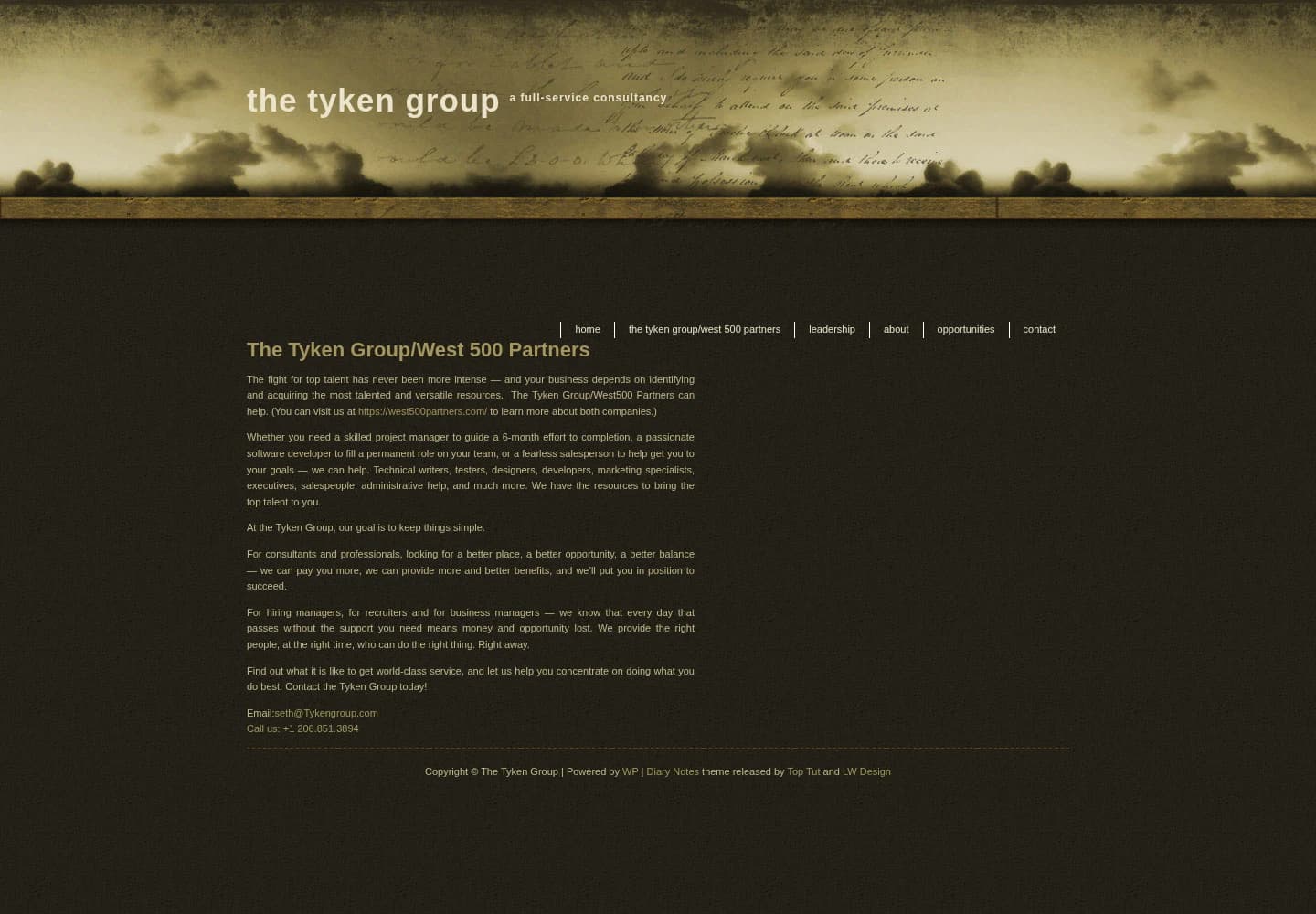

One website, before and after.Drag the divider to explore the rebuild.
import { BeforeAfter } from '@/components/work/BeforeAfter'

// autoPlay defaults to true on customer pages; one introduction per tab.
<BeforeAfter autoPlay={false} />
Use Left and Right for fine adjustments, Home for the original, and End for the rebuild. Replay runs one short sweep. Pointer or keyboard input stops it immediately; reduced motion skips the sweep.
Moving between pages
Page navigation uses a short upward release and a settling incoming view. The header stays in place. The effect uses native browser view transitions through next-view-transitions. Browsers without the API get a short arrival; reduced motion changes routes immediately.
Normal links move to the top. Hash links keep their destination and history navigation keeps the browser’s scroll restoration. The section navigator stays at the viewport bottom after discovery. Same-page fragments never start page snapshots. A tracked patch to the route adapter excludes same-path popstate events.
The arrival playground
An isolated experiment using the website’s arrival timing. Change the controls, compare with the original, and export settings without changing the live site.
Website default
Software products
Your experiment
Software products
Reduced motion is active. Specimens remain still.
The product stage
The actual homepage showcase. Adjust its depth and spacing, compare the original, or export a bounded experiment. Nothing here changes the website.
Isolated experiment · Choose a project to replay its transition.
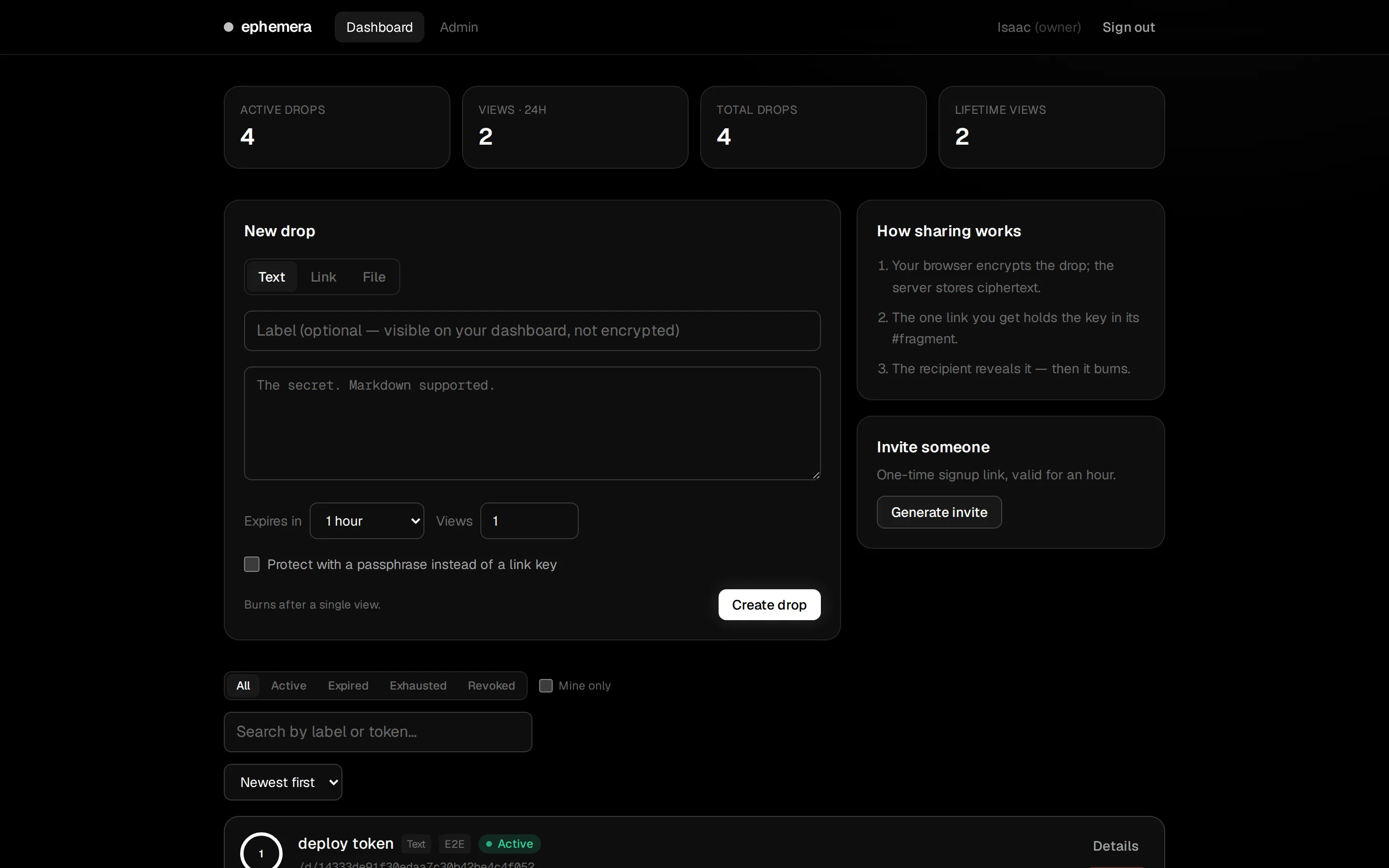
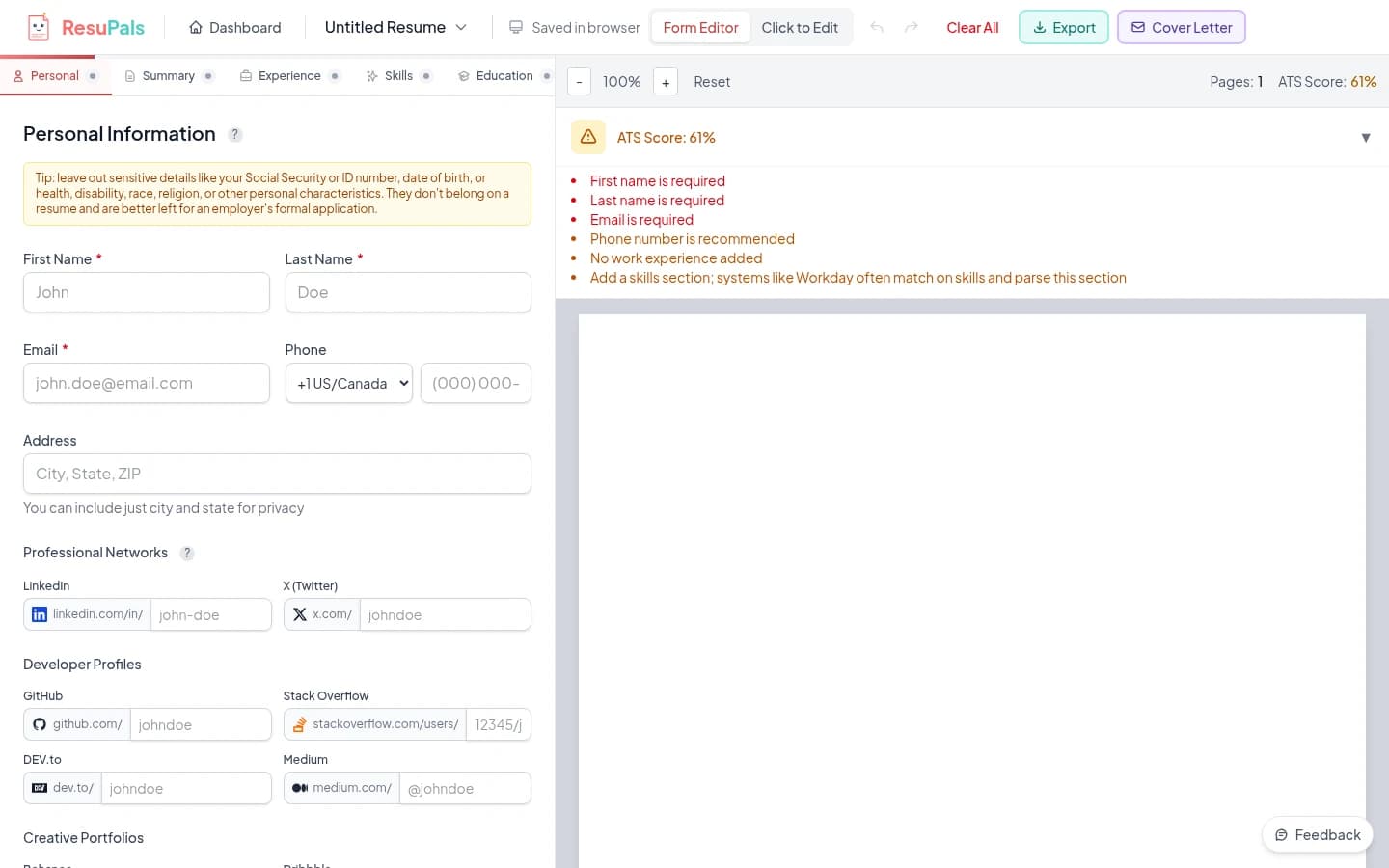
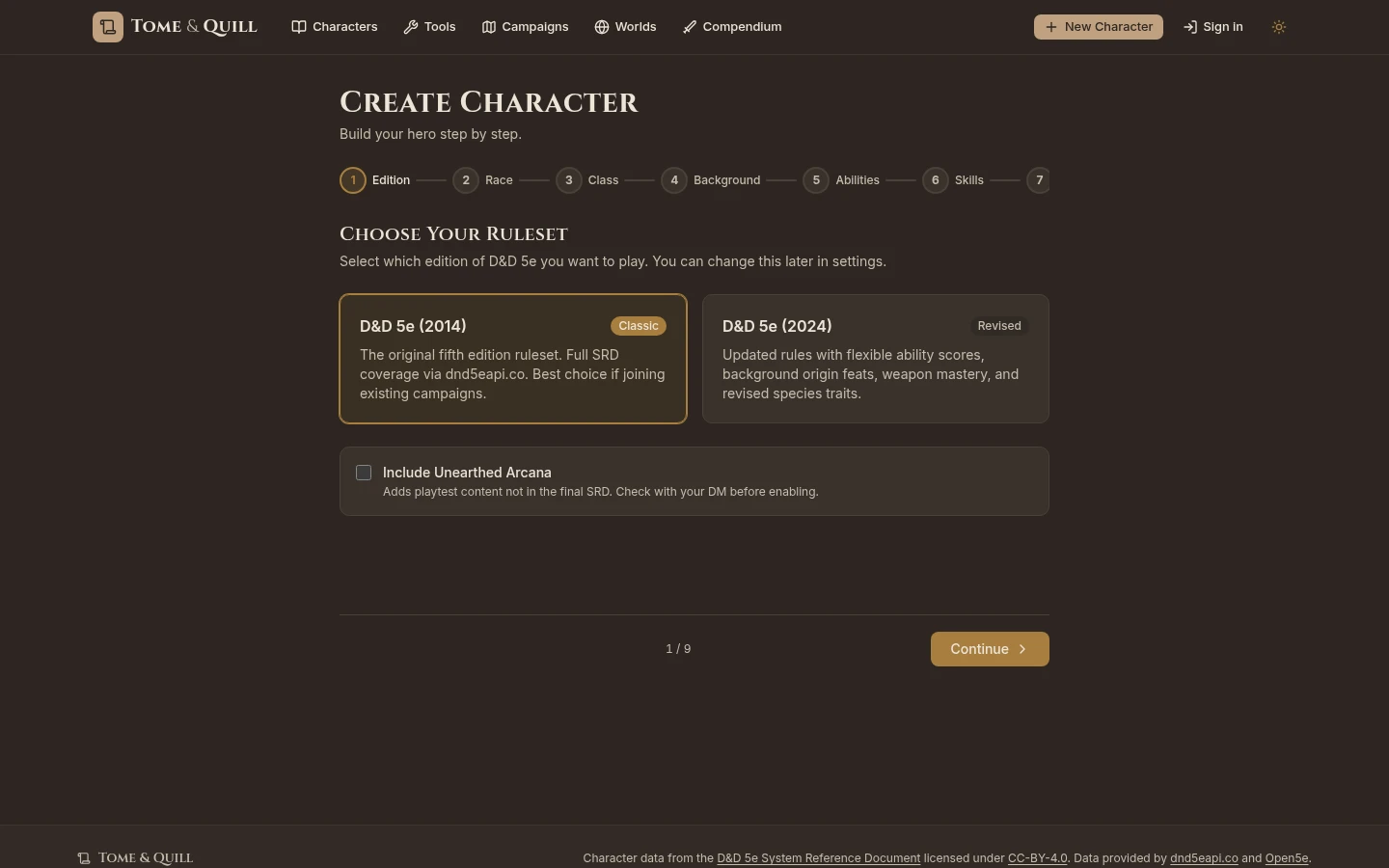
Zero speed and reduced motion make changes immediate. Pause freezes a transition in progress. Controls affect this specimen only. Comparing the original keeps the selected project and frame aligned.
import { Showcase } from '@/components/home/Showcase'
import { showcaseItems } from '@/content/showcase'

<Showcase items={showcaseItems} />
The studio rings
The same rings used on Home and About. Tune the entrance, idle speed, line and color. Experimental settings stay inside this tool.
Isolated experiment
The entrance settles into a rotation that is already running. Zero speed holds the current frame. Leaving the viewport pauses them; returning plays the entrance again. The logo itself stays still. The preview returns to normal page flow when enlarged text leaves too little room for the controls.
import { BrandOrbit } from '@/components/brand/BrandOrbit'

<BrandOrbit />
// Defaults and strict settings validation: src/design/orbit.ts
// Idle rotation runs under the additive entrance offset from the first frame.
A small timing vocabulary
- quick
- 160ms
- disclosure
- 280ms
- entrance
- 600ms
- ease
- cubic-bezier(0.22, 1, 0.36, 1)
- distance
- 22px
.arrival {
  animation: arrival var(--motion-entrance) var(--motion-ease) both;
}
/* Essential content stays visible throughout. */
Open, close, change your mind
The shared Disclosure uses an animated grid row. Closed content is inert, so hidden links stay out of the keyboard order.
Still is a complete state
Reduced motion removes movement without hiding content. The playground reads the browser preference, stops when it leaves the viewport or the tab is hidden, and cancels animations on unmount.
Studio rings settle into an idle rotation that is already running, with no visible playback controls. Reduced motion keeps them still. Other customer-page effects are finite.